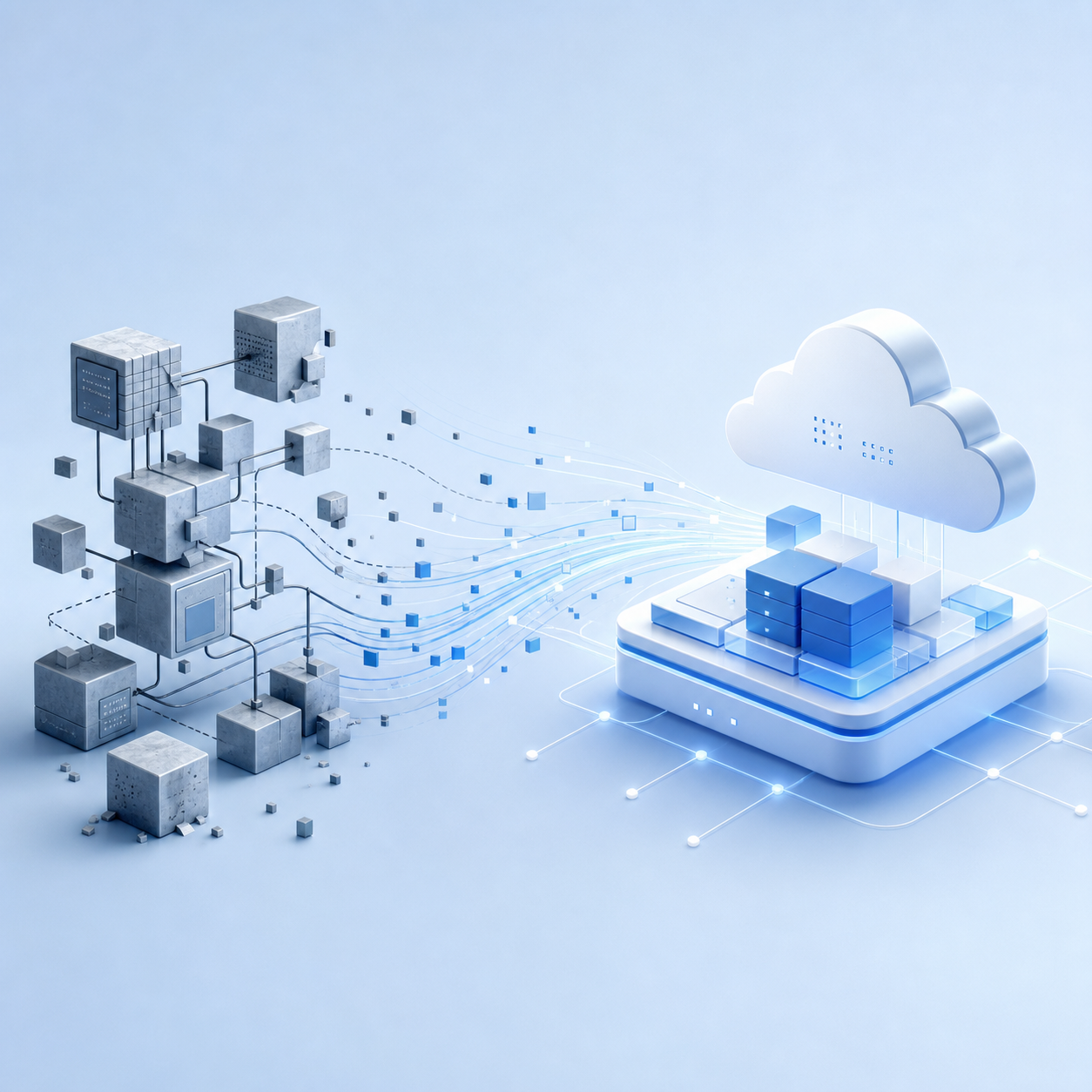
See how SAP SuccessFactors and SAP S/4HANA integration connects HR and finance data, improves cost visibility, and removes manual reconciliation across systems.
HR transformation involves more than moving HR processes to the cloud. For many US enterprises, the greater challenge is connecting employee data, payroll, and financial systems that have evolved separately.
A hiring decision recorded in an HR platform may not immediately appear in financial forecasts. Organizational changes can create inconsistencies in cost center assignments, while payroll results may require manual reconciliation before finance teams can close the books.
These gaps make it harder to understand workforce expenses, forecast labor costs, and maintain consistent reporting across business units.
Integrating SAP SuccessFactors with SAP S/4HANA helps connect HR processes with financial operations. With the right architecture, data ownership, and validation rules, organizations can reduce manual reconciliation and give HR and finance teams a more consistent view of workforce costs.
Key Takeaways
- Connect HR and finance data: Integrating SAP SuccessFactors with SAP S/4HANA helps align employee records, organizational structures, payroll results, and financial reporting.
- Define clear data ownership: Establish which system maintains employee information, cost centers, payroll data, and other shared records to prevent inconsistencies.
- Choose the right integration architecture: Point-to-point interfaces may suit simpler landscapes, while SAP Integration Suite can help manage integrations across a growing application landscape.
- Address U.S. payroll and reporting requirements: Consider federal, state, and local tax obligations, payroll reconciliation, and applicable recordkeeping requirements during solution design.
- Plan for governance and ongoing support: Data validation, interface monitoring, and reconciliation are essential to maintaining reliable information after go-live.
The Role of SAP S/4HANA and SAP SuccessFactors in a Hybrid HR Architecture
SAP SuccessFactors and SAP S/4HANA serve different but complementary purposes. How they interact depends on where an organization manages employee records, runs payroll, and maintains financial data.
SAP SuccessFactors
SAP SuccessFactors supports cloud-based human capital management. Depending on the modules implemented, it can manage employee records, organizational assignments, recruiting, onboarding, performance, compensation, and learning.
Employee Central can serve as the primary source of employee and organizational data in an Employee Central-led architecture. Relevant data can then be replicated to connected systems that require it for HR, payroll, or other business processes.
SAP S/4HANA
SAP S/4HANA supports core enterprise processes, including financial accounting, controlling, procurement, and other operational functions. For HR and finance integration, it provides financial structures and accounting processes used to record and analyze workforce-related expenses.
Payroll architecture requires particular attention. There are several possible configurations:
- Core hybrid HR: Employee Central manages core HR data, while SAP S/4HANA HCM continues to support selected HR processes, such as payroll or time management.
- Employee Central Payroll with SAP S/4HANA Finance: Employee Central Payroll processes payroll, and payroll posting documents are transferred to the financial system.
- Other payroll arrangements: Organizations may retain another payroll platform and integrate the relevant results with SAP S/4HANA Finance.
These are distinct scenarios, not interchangeable descriptions of a single architecture. The integration design should identify the system responsible for each process, the authoritative source for each data object, and the direction in which information must flow.
SAP provides separate documentation for employee data replication from Employee Central to SAP S/4HANA and the integration between Employee Central Payroll and SAP S/4HANA Finance.
Integration Models: Point-to-Point vs. SAP Integration Suite
The integration model determines how data moves between systems, where transformation rules are maintained, and how interfaces are monitored as the landscape evolves.
Point-to-Point Integration
Point-to-point integration connects systems through individual interfaces, such as APIs or file transfers. It may be appropriate for a small landscape with a limited number of stable connections.
As more systems and business processes are added, however, separate interfaces can introduce duplicated mapping logic, inconsistent error handling, and additional maintenance work. A change to an organizational structure or data field may require adjustments across several connections.
SAP Integration Suite
SAP Integration Suite provides integration capabilities for connecting cloud and on-premises applications. Its Cloud Integration capability supports integration flows, including data transformation, routing, and monitoring.
For supported SAP SuccessFactors and SAP S/4HANA scenarios, organizations may be able to use prebuilt integration content rather than build every interface from scratch. The available content, configuration requirements, and supported data flows depend on the products and deployment models involved.
A centralized integration layer can simplify monitoring and help teams maintain consistent mappings and error-handling procedures. It does not remove the need for architecture design, security configuration, testing, and ongoing governance.
The right approach depends on the number of systems, data volumes, business criticality, and anticipated changes. The goal is to establish an integration architecture that remains manageable as the organization grows.
Key Integration Scenarios That Connect HR and Finance
The value of integration comes from ensuring that changes in one system are reflected accurately in the processes that depend on them.
1. Employee and Organizational Data Replication
Employee Central can provide employee and employment information for downstream processes. Depending on the architecture, relevant records and organizational assignments can be replicated to SAP S/4HANA or another connected application.
Typical data may include employee identifiers, employment status, organizational assignments, positions, and effective dates.
The integration design should define which system creates and maintains each data object, how changes are transferred, and how failed records are investigated and corrected.
2. Cost Center and Organizational Structure Alignment
HR and finance must use compatible organizational structures even when their systems represent the business differently.
Cost centers are particularly important because they help assign labor expenses to departments, business units, and other financial reporting structures. In many architectures, cost centers are maintained in SAP S/4HANA and replicated to Employee Central or Employee Central Payroll as required.
The integration must account for effective dates, reorganizations, employee transfers, and changes to financial assignments. Without clear mappings, expenses may be allocated incorrectly or require manual adjustment during financial close.
3. Payroll Posting and Financial Accounting
Payroll integration connects calculated compensation results with financial accounting. Where Employee Central Payroll is used, payroll results can generate posting documents that are transferred to the connected financial system through the supported integration scenario.
These postings may cover wages, employer expenses, payroll taxes, benefits, deductions, and other payroll-related accounts, depending on the configuration.
The integration should define account mappings, posting dates, cost assignments, validation rules, and reconciliation procedures. This allows finance teams to investigate differences between payroll results and accounting records.
Payroll calculations remain the responsibility of the designated payroll system. Transferring payroll results to SAP S/4HANA Finance does not, by itself, establish the tax calculations or reporting processes required for every US payroll situation.
4. Time, Absence, and Workforce Data
Time and absence information can affect payroll, labor allocation, and operational reporting. The relevant interfaces depend on where time is recorded, which system approves the data, and where payroll is processed.
For organizations with hourly employees, multiple work locations, or complex scheduling, it is especially important to define how approved hours, absences, and adjustments move between systems.
Interfaces should account for validation, correction workflows, processing schedules, and payroll cutoffs.
5. Workforce Analytics and Financial Planning
Once HR and financial data are aligned, organizations can analyze headcount, compensation expenses, vacancies, and workforce scenarios alongside financial information.
For example, HR and finance can evaluate the projected impact of hiring plans, changes in compensation, or organizational restructuring. Consistent data reduces the need to reconcile separate reports before analysis begins.
Solutions such as SAP Analytics Cloud can support workforce and financial planning when the relevant data sources and models are configured appropriately.
Data Governance: Keeping HR and Finance in Sync
Technical connectivity does not guarantee consistent data. Integration depends on clear ownership, agreed definitions, and controls that keep records aligned over time.
-
Define data ownership. Determine which system maintains employee records, organizational units, cost centers, and other shared data. Avoid allowing the same information to be updated independently across systems without defined rules.
-
Standardize mappings. Establish consistent relationships between HR organizational structures and financial objects, including how reorganizations and effective dates are handled.
-
Validate data before transfer. Check mandatory fields, employment status, organizational assignments, and other critical values before records reach downstream systems.
-
Monitor failed interfaces. Define how errors are detected, assigned, corrected, and reprocessed. Critical data issues should not remain unresolved until payroll processing or financial close.
-
Reconcile payroll and financial results. Compare relevant payroll totals with accounting postings, investigate discrepancies, and document corrections.
These controls support reliable reporting and auditability. They also reduce the effort required to diagnose problems after data has moved through several systems.
US-Specific Considerations for HR and Finance Integration
US organizations may need to manage workforce and payroll requirements that vary by employee location, employment arrangement, and applicable federal, state, and local rules. These considerations should be reflected in the integration design from the beginning.
Key areas include:
- Multi-state workforces: Employees may work across state lines or change locations. The relevant employment, tax, and payroll data must be maintained accurately in the appropriate systems.
- Federal employment taxes: Payroll processes may need to support federal income tax withholding, Social Security and Medicare taxes, federal unemployment tax, and applicable reporting obligations.
- State and local requirements: Depending on employee locations, additional tax rules and reporting requirements may apply.
- Payroll and financial reconciliation: Payroll results, tax liabilities, employer expenses, and general ledger postings need clear validation and reconciliation procedures.
- Audit and recordkeeping: Organizations should establish appropriate access controls and recordkeeping processes for employee, payroll, and employment tax information.
The IRS employment tax guidance outlines key federal employer responsibilities, including tax withholding, deposits, and reporting. State and local obligations must also be evaluated where applicable.
Connecting SAP systems can support these processes, but it does not automatically ensure compliance. HR, finance, payroll, tax, legal, and IT specialists should validate the requirements relevant to the organization.
Common Integration Challenges
Most integration issues arise when systems, business rules, or ownership models are not aligned.
|
Challenge |
Potential impact |
How to address it |
|
Misaligned organizational structures |
Inconsistent reporting and cost allocation |
Define ownership and mappings before configuring interfaces. |
|
Overlapping HR systems |
Duplicate records or conflicting updates |
Establish a clear system of record for each data object. |
|
Complex payroll processes |
Incorrect postings, processing delays, or additional reconciliation |
Validate payroll requirements and financial mappings. |
|
Poor data quality |
Replication failures and incomplete records |
Profile, cleanse, and validate data before and after implementation. |
|
Weak interface monitoring |
Errors remain undetected until critical business cycles |
Establish monitoring, alerts, ownership, and reprocessing procedures. |
|
Limited business alignment |
Integration reflects system constraints rather than operating processes |
Involve HR, finance, payroll, and IT stakeholders in design decisions. |
Addressing these issues during discovery and solution design can reduce rework and make the resulting architecture easier to maintain.
How LeverX Supports SAP HR and Finance Integration
LeverX helps organizations align SAP SuccessFactors, SAP S/4HANA, and related applications around defined business processes and data responsibilities.
Our services may include:
- Architecture and integration assessment: Review the existing landscape, data flows, requirements, and dependencies.
- Data and process alignment: Define system ownership, organizational structures, mappings, and validation rules.
- SAP integration implementation: Design and configure relevant integration flows and supported SAP integration content.
- Payroll-to-finance integration: Align payroll posting requirements, account mappings, and reconciliation processes with the target architecture.
- Testing and deployment: Validate data replication, error handling, security, and end-to-end business scenarios.
- Post-go-live optimization: Monitor integration performance, resolve issues, and adapt interfaces as requirements change.
Learn more about SAP SuccessFactors consulting services and SAP integration services.
Business Outcomes of an Integrated HR and Finance Landscape
When HR and finance work from the same data, the results show up in daily operations rather than just on a project report. We focus on creating a system where the information is inherently consistent.
Ending data discrepancies
HR and finance finally work from identical employee records. This removes the constant need to fix the same error in two different places. It stops the cycle of duplicate corrections that usually wastes hours of administrative time every week.
Cutting manual reconciliation
Data no longer requires a massive cleanup during the month-end closing cycle. By removing the need for these adjustments, we lower the total effort and kill the risk of human error that usually comes with manual spreadsheets.
Clear visibility into labor costs
We link labor expenses directly to financial structures. This makes it possible to see exactly where money is being spent and how those costs shift over time. It turns workforce spending from a mystery into a clear, trackable metric.
Accelerated reporting
Reports are generated without the need for manual consolidation. This significantly shortens the time it takes to get data to leadership, while improving the reliability of the numbers. You get a faster view of the business without the usual data prep lag.
Consistent global governance
Standardizing data models makes it possible to manage HR operations across different regions with the same level of control. It creates a scalable model where new locations can be brought into the fold without breaking the existing structure.
The final result is a much more stable operating environment. Instead of your teams spending their day fixing bad data, they can focus on actual planning and strategy using figures they can actually trust.
SAP SuccessFactors and SAP S/4HANA Integration: Estimated Timeline and Cost
The timeline and cost of integrating SAP SuccessFactors with SAP S/4HANA depend on the integration scope, existing architecture, payroll requirements, data quality, and testing needs. The following hypothetical examples illustrate how project complexity can affect early planning estimates for U.S. businesses.
| Integration scenario | Illustrative timeline | Illustrative services budget (USD) |
| Focused integration | 3–6 months | $150,000–$400,000 |
| Complex, multi-system integration | 6–12+ months | $400,000–$1 million+ |
Disclaimer: These figures are hypothetical planning examples, not verified market averages, an official SAP estimate, or a cost calculation or commercial proposal from LeverX. They are provided for general informational purposes only and should not be treated as a project quote. The illustrative budgets cover implementation services and may exclude SAP licenses or subscriptions, infrastructure, third-party software, and internal staff costs. Actual estimates require an assessment of the organization's existing landscape and target integration scope.
A focused integration might involve replicating employee and organizational data, aligning cost centers, and configuring payroll posting to SAP S/4HANA Finance within an established architecture.
A more complex program may involve multiple HR or payroll systems, extensive data transformation, several interfaces, multi-entity requirements, and more comprehensive testing and reconciliation.
Actual timelines and budgets can vary significantly. The number of interfaces alone does not determine project complexity; data quality, business rules, security requirements, and organizational readiness also affect implementation effort.
Frequently Asked Questions
What is SAP SuccessFactors and SAP S/4HANA integration?
It connects HR processes and workforce data in SAP SuccessFactors with relevant business and financial processes in SAP S/4HANA. Depending on the architecture, integration can support employee data replication, organizational alignment, payroll posting, and workforce cost reporting.
Does SAP S/4HANA handle payroll?
That depends on the architecture. Payroll may run in an SAP S/4HANA HCM environment, SAP SuccessFactors Employee Central Payroll, or another payroll platform. SAP S/4HANA Finance can receive payroll postings for financial accounting. The role of each system should be established during architecture design.
What is the role of SAP Integration Suite?
SAP Integration Suite provides capabilities for connecting applications across cloud and on-premises environments. Its Cloud Integration capability can support data transformation, routing, and monitoring. The appropriate integration content and configuration depend on the SAP products and use cases involved.
Which data should be integrated between HR and finance?
Common scenarios include employee and organizational data, cost center assignments, payroll posting information, and selected time or absence data. The scope depends on where each data object is maintained and how the organization runs its HR, payroll, and financial processes.
How can organizations keep HR and finance data consistent?
Establish clear data ownership, standardize mappings, validate records, monitor failed interfaces, and reconcile payroll results with accounting postings. Governance should cover ongoing organizational changes as well as the initial implementation.
How long does SAP SuccessFactors and S/4HANA integration take?
The timeline depends on the number of systems and interfaces, data quality, payroll complexity, existing middleware, and testing requirements. A focused integration may be less complex than a global program involving multiple HR systems and payroll environments. A reliable estimate requires an assessment of the current landscape and target scope.
Disclaimer: Integration scenarios and capabilities depend on the SAP products, deployment models, releases, configuration, and licensing in use. US payroll and tax requirements vary by jurisdiction and business circumstances. Organizations should validate applicable requirements with their payroll, tax, legal, and technical specialists before implementation.