Not sure what your SAP S/4HANA migration includes? Let’s unpack the terms and approaches so you can understand what work a project proposal covers.
You open a few articles to understand what moving to SAP S/4HANA involves. A dozen tabs later, you’re wondering whether you’re planning a migration, a conversion, or a transition and why each article seems to call it something different.
SAP S/4HANA migration and transition are broad terms for moving to SAP S/4HANA. System conversion (brownfield), new implementation (greenfield), and selective data transition are specific approaches to that move. They differ in how they handle existing systems, business processes, custom code, and historical data.
The terminology takes some untangling, but it’s worth the effort. Behind those labels are decisions about systems, processes, and data that directly affect the project budget. Let’s work through what the terms mean and how they fit together.
What Does an SAP S/4HANA Migration Include?
Migration and transition are both used to describe a company’s move to SAP S/4HANA. Neither word, on its own, tells you whether the company will keep its existing system setup or build a new one. That depends on the approach: system conversion, new implementation, or selective data transition.
You may also see data migration listed as a specific task. This means transferring records, such as customer details and open orders, into the target system. A quote for data migration alone does not necessarily cover the rest of the ERP project.
System conversion (brownfield): You build on your existing SAP ECC system
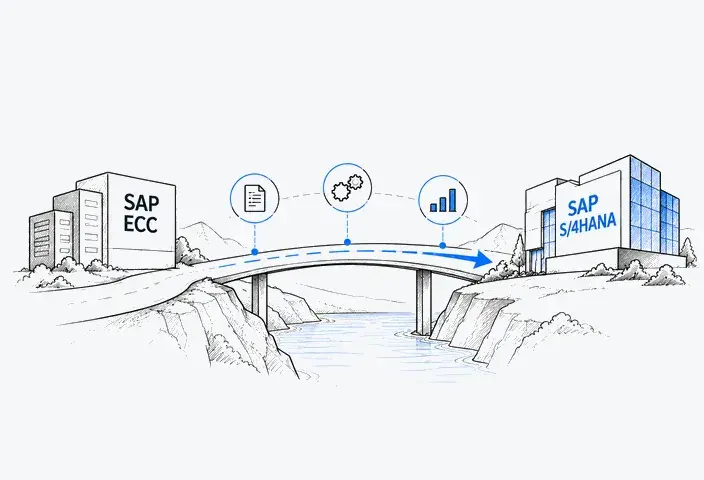
With system conversion, the team converts SAP ECC into SAP S/4HANA while retaining much of its configuration and historical data. Custom code and interfaces are checked and adapted where necessary.
For example, a company can keep a purchasing process that already works well. Employees continue following that process, while the team updates the software and any affected developments behind it.
New implementation (greenfield): You set up a new SAP S/4HANA system
With a new implementation, the team configures a new system and transfers the data needed to start working in it.
For example, a company replacing a non-SAP ERP builds its purchasing and other workflows in SAP S/4HANA, then loads customer records, product details, and open transactions. The new system has its own configuration, even when some business processes remain familiar.
Selective data transition: You choose what to retain and change
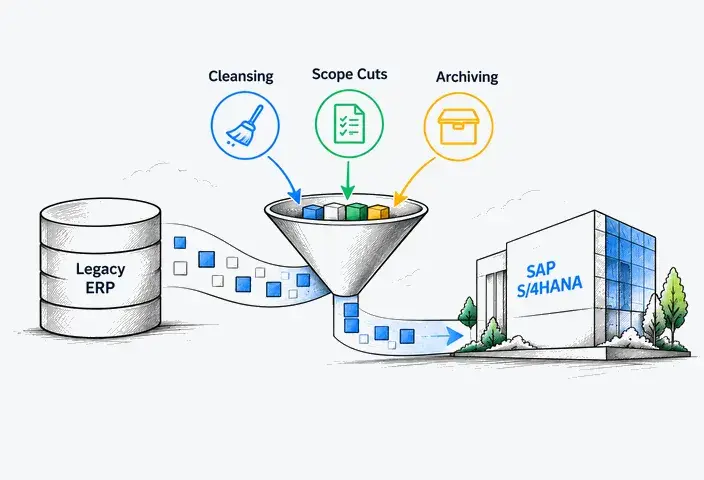
Selective data transition lets the team reuse selected configurations and developments, transfer relevant history, and redesign other parts of the setup.
Imagine a company with ten years of sales records in SAP ECC that only needs the last two years in the new ERP. It can transfer those orders, deliveries, and invoices together with the customer and product records they depend on. Older history can remain available through a separately arranged archive.
Any of these approaches can form part of an SAP S/4HANA migration or transition. The approach tells you how the move will happen; the detailed scope tells you which work is included.

When unclear terms lead to unexpected costs
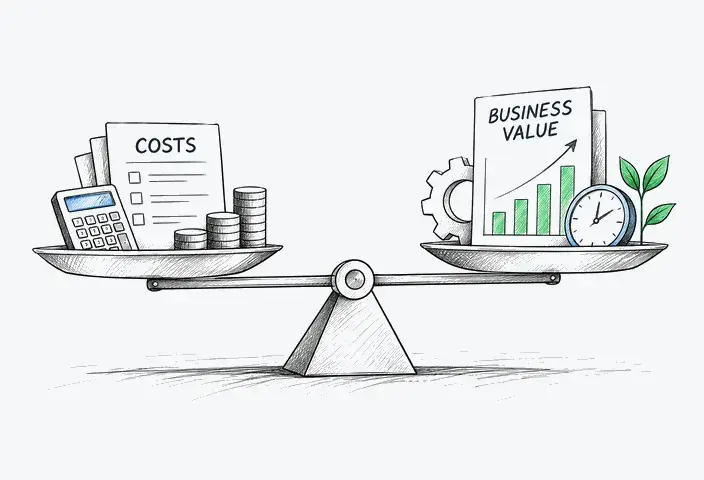
If your team and a partner understand “migration” differently, they may agree on a price while expecting different work. Your team might expect all historical records to be available in SAP S/4HANA, while the estimate covers only the data needed to start daily operations. Closing that gap can add costs and delay the project.
The same confusion makes vendor proposals difficult to compare. A lower quote may exclude process changes, custom code adjustments, or data preparation that another vendor has included. The difference in price then reflects a difference in scope, which can remain hidden until work begins.
What to clarify in a partner’s proposal
These questions help you establish what the price covers:
- Which approach is included: system conversion, new implementation, or selective data transition?
- Which systems are involved: what is the source system, and which SAP S/4HANA edition and release will replace it?
- What will stay or change: which processes, settings, and custom developments will be retained, adapted, or replaced?
- What happens to the data: which records will move, and how will employees access the remaining history?
- What else is included: integrations, testing, employee training, and support after go-live?
How To Choose the Right SAP S/4HANA Approach
Before comparing the approaches, establish what you are moving from: one SAP ECC system, a non-SAP ERP, or several connected systems. Brownfield applies to an existing SAP ECC system, and its technical eligibility needs checking. A non-SAP ERP cannot follow the same conversion route.
Once the technical options are clear, use these six questions to assess which approach fits your business.
#1 Where will the new system run?
Discuss the target environment early, because it affects which approaches are available. Choosing “cloud” still leaves a significant decision between Public Edition and Private Edition.
|
Target environment |
Available options |
|
SAP S/4HANA on-premise |
System conversion, new implementation, or selective data transition |
|
System conversion, new implementation, or selective data transition |
|
|
New implementation |
#2 Which business processes do you want to keep?
Ask process owners what works today and where employees need spreadsheets or manual workarounds.
- Most processes still meet your needs: Brownfield is worth evaluating because it allows you to reuse much of the existing setup.
- You need broad changes across departments: Greenfield gives the team room to configure a new system around the agreed processes.
- Some areas work well, while others need changes: Selective data transition may support that combination.
#3 How much custom code is still useful?
A long list of custom programs does not tell you how much work a conversion will require. Some may support essential tasks; others may no longer be used.
Ask the technical team to separate developments into three groups: those to keep, those to replace with standard functionality, and those to remove. Then assess the changes needed for the code you retain.
If most useful developments can be adapted, Brownfield may remain practical. If much of the setup needs replacing, compare that effort with a new implementation or selective data transition.
#4 How much history do employees need in the new system?
Separate records needed for daily work from records that only need to remain accessible for occasional reference. If your employees need extensive transaction history in the live system, evaluate Brownfield. In case they need a selected period or data from selected business units, evaluate selective data transition. If they can start with master data, balances, and supported open transactions, Greenfield may fit, with a separate arrangement for older records.
Ask employees which past transactions they actually look up and why. Those answers give the team a clearer data scope than a general request to “keep everything.”
#5 Are you combining or separating businesses?
If your company is buying or selling a business, you may need to merge its ERP data with yours or separate its records from your system.
Selective data transition is worth evaluating when you need to retain selected configuration and history during these changes. Greenfield can also support consolidation when the goal is a new common setup. A standard system conversion follows a one-to-one approach and does not itself consolidate several ERP systems.
#6 What matches your budget and schedule?
An approach may fit your system but demand more time, funding, or staff than you can commit. Include your employees’ involvement in the estimate alongside the partner’s fees and delivery schedule.
Brownfield can reduce effort when existing processes need few changes, although custom code adjustments may offset those savings. Greenfield needs time from process owners to agree on workflows and prepare employees. Selective data transition requires specialist tools and careful data checks, so a smaller data scope does not always mean a lower cost.
For each option, assess both the project timeline and the downtime your business can accept at go-live.
SAP S/4HANA path selection matrix
Use this matrix to see which approach is worth evaluating for your requirements.
|
Your requirements |
Brownfield |
Greenfield |
Selective data transition |
|
Target environment |
On-premise or Cloud Private Edition |
Any edition, including Cloud Public Edition |
On-premise or Cloud Private Edition |
|
Business processes |
Keep most existing processes |
Design a new common setup |
Keep some processes and change others |
|
Custom code |
Retain useful code and adapt it |
Replace the old setup; build extensions where needed |
Retain and adapt selected developments |
|
Historical data |
Keep the history from the existing system |
Plan separate access to older records |
Transfer selected periods or business units |
|
Company structure |
Convert one existing SAP ECC system |
Build a new setup for one or several businesses |
Combine or separate selected systems and data |
|
Main work to budget for |
Code adjustments and conversion testing |
Process design, data preparation, and training |
Data selection, transformation, and validation |
Project timing depends on the work identified during the assessment, including data preparation, custom code changes, integrations, and testing. Estimates also need to account for the availability of your employees and implementation team.

Common Mistakes That Add Work and Cost
A migration plan can look manageable until the team checks the code, data, and processes behind it. The following mistakes can leave necessary work out of the initial budget and schedule.
Choosing brownfield only because it seems faster
Brownfield can save time by reusing the existing setup. However, that setup may include unsupported add-ons, outdated interfaces, or undocumented changes that need attention before conversion. If the estimate leaves out this work, the team must resolve those issues within a schedule that never allowed for them. The expected time savings can quickly disappear.
Assuming custom programs will keep working
Custom programs built for SAP ECC may depend on data structures or functions that change in SAP S/4HANA. As a result, a familiar report or transaction may no longer work as expected.
For example, if a finance team discovers during final testing that its month-end report fails, developers must fix it and the team must repeat the affected tests. Finding the issue this late can delay go-live and increase development costs.
Moving historical data without a clear need
Transferring every historical record increases the amount of data the team must process and validate. If employees have little need for those records, transferring them can add unnecessary time to migration and testing.
Carrying data problems into the new system
Duplicate supplier records and inconsistent product details can carry over into SAP S/4HANA. When purchases are split between two records for the same supplier, reports may show an incomplete spending total, leaving employees to combine the figures manually.
Data errors can also delay the conversion itself. For example, unresolved issues in Customer/Vendor Integration (CVI), which links customer and supplier records to business partners, can block an SAP ECC conversion.
Discuss Your SAP S/4HANA Plans With LeverX
A shared understanding of migration, conversion, and transition helps your team and implementation partner agree on what the project should deliver and what the budget covers.
LeverX can help you connect those expectations to a realistic project scope.
Talk to LeverX about your SAP S/4HANA plans.