SAP Solution Manager 7.2 End of Support 2027: What UK Businesses Need to Do


SAP Solution Manager 7.2 mainstream maintenance ends on 31 December 2027. For UK organisations that still depend on Solution Manager for application lifecycle management, testing, IT service management, change control, documentation, or landscape management, the deadline is approaching quickly.

But this is not simply a question of replacing one SAP product with another.

SAP recommends that customers transition to SAP Cloud ALM before the end of 2027, while also making clear that Cloud ALM is not a feature-for-feature replacement for Solution Manager. For organisations with demanding monitoring and operations requirements, SAP Focused Run may also form part of the target architecture.

That means the real question for SAP leaders is:

What should our ALM operating model look like after Solution Manager, and how can we transition without disrupting SAP delivery and operations?

For many organisations, the answer will be:

SAP Cloud ALM as the strategic ALM platform

with

SAP Focused Run where advanced operational monitoring is required.

However, the appropriate target depends on the organisation's SAP estate, Solution Manager usage, custom processes, integrations, compliance requirements, and S/4HANA roadmap.

This guide explains what the 2027 milestone means, what happens to Solution Manager after mainstream maintenance, how Cloud ALM and Focused Run differ, what can be transferred, and how UK businesses can build a practical transition roadmap.

For organisations also preparing for the wider ECC maintenance milestone, see our guide to SAP ECC End of Support 2027 UK.

What Does the SAP Solution Manager 7.2 2027 Deadline Actually Mean?

The most important distinction is between end of mainstream maintenance and the software becoming unavailable.

SAP currently states that mainstream maintenance for Solution Manager 7.2 ends on 31 December 2027.

This does not mean that Solution Manager will technically stop functioning on 1 January 2028. Customers retain their perpetual licence, subject to their contractual arrangements, and SAP provides different maintenance scenarios beyond mainstream maintenance.

Customers selecting optional SAP Business Suite 7 extended maintenance through 2030 can receive extended maintenance for selected Solution Manager 7.2 functionality. SAP identifies areas including:

  • requirements management;
  • project management;
  • process management;
  • Test Suite;
  • change control management;
  • IT service management;
  • landscape management.

The scope is important.

Organisations should not interpret the 2030 option as full mainstream maintenance for every Solution Manager capability.

Other functionality may fall under customer-specific maintenance, with a different support model and potentially greater operational risk.

For that reason, 2027 should be treated as a strategic transition milestone, even where an organisation has a legitimate reason to retain Solution Manager temporarily.

The Strategic Direction: Solution Manager → Cloud ALM

SAP's strategic direction is increasingly centred on SAP Cloud ALM.

Cloud ALM provides a cloud-based platform for application lifecycle management across implementation and operations and is designed for modern SAP landscapes, including cloud-centric and hybrid environments.

The architectural change is significant:

Solution Manager

→ customer-managed, on-premise ALM platform

versus

Cloud ALM

→ SAP-managed, cloud-based ALM platform

The transition therefore involves more than installing a replacement product.

It can affect:

  • SAP implementation governance;
  • testing;
  • change management;
  • IT service management;
  • documentation;
  • integrations;
  • monitoring;
  • reporting;
  • user roles;
  • operational processes.

The best transition programmes therefore start with business capabilities and current Solution Manager usage, not with a list of transactions that need to be replaced.

Is SAP Cloud ALM a Complete Replacement for Solution Manager?

No.

This is one of the most important points in the entire transition.

SAP explicitly states that there is no functional parity between SAP Cloud ALM, SAP Solution Manager, and SAP Focused Run.

Consequently, organisations should avoid a simple mapping exercise such as:

Solution Manager function → Cloud ALM function

Instead, assess:

Current process → Business requirement → Target capability → Target platform

For example, an organisation may discover that:

  • some Solution Manager documentation should move to Cloud ALM;
  • some historical information should be archived;
  • some testing processes should be redesigned;
  • some advanced monitoring requirements belong in Focused Run;
  • some enterprise ITSM capabilities are better retained in an existing non-SAP platform.

This approach produces a much cleaner target architecture than attempting to reproduce the entire Solution Manager environment in Cloud ALM.

Cloud ALM vs Focused Run vs Solution Manager

The decision can be simplified into three broad scenarios.

Requirement

Likely strategic direction

Cloud-centric SAP landscape and standard ALM requirements

SAP Cloud ALM

Cloud ALM requirements plus advanced monitoring of complex SAP estates

Cloud ALM + SAP Focused Run

Complex existing Solution Manager processes requiring additional transition time

Temporary Solution Manager + transition roadmap

This is not a rigid product-selection matrix.

The final architecture should be based on the actual SAP landscape and operational requirements.

SAP Cloud ALM

Best suited to organisations looking for SAP's strategic cloud-based ALM platform, particularly where the SAP landscape is increasingly cloud-centric.

SAP Focused Run

Relevant where organisations require more advanced monitoring, analytics, alerting, and operational management across large or complex SAP landscapes.

SAP indicates that Focused Run can complement Cloud ALM rather than necessarily replacing it.

SAP Solution Manager

Still relevant as a transition platform for organisations with significant existing investments, complex processes, or transformation programmes that cannot reasonably be redesigned immediately.

The important point is that Solution Manager should not become the accidental long-term target simply because migration was postponed.

What Happens to Existing Solution Manager Data?

A common misconception is that organisations must migrate the entire Solution Manager database into Cloud ALM.

They do not.

SAP provides Selective Data Transfer capabilities for supported Solution Manager content. This enables organisations to define what should actually be transferred rather than attempting to reproduce the entire legacy environment.

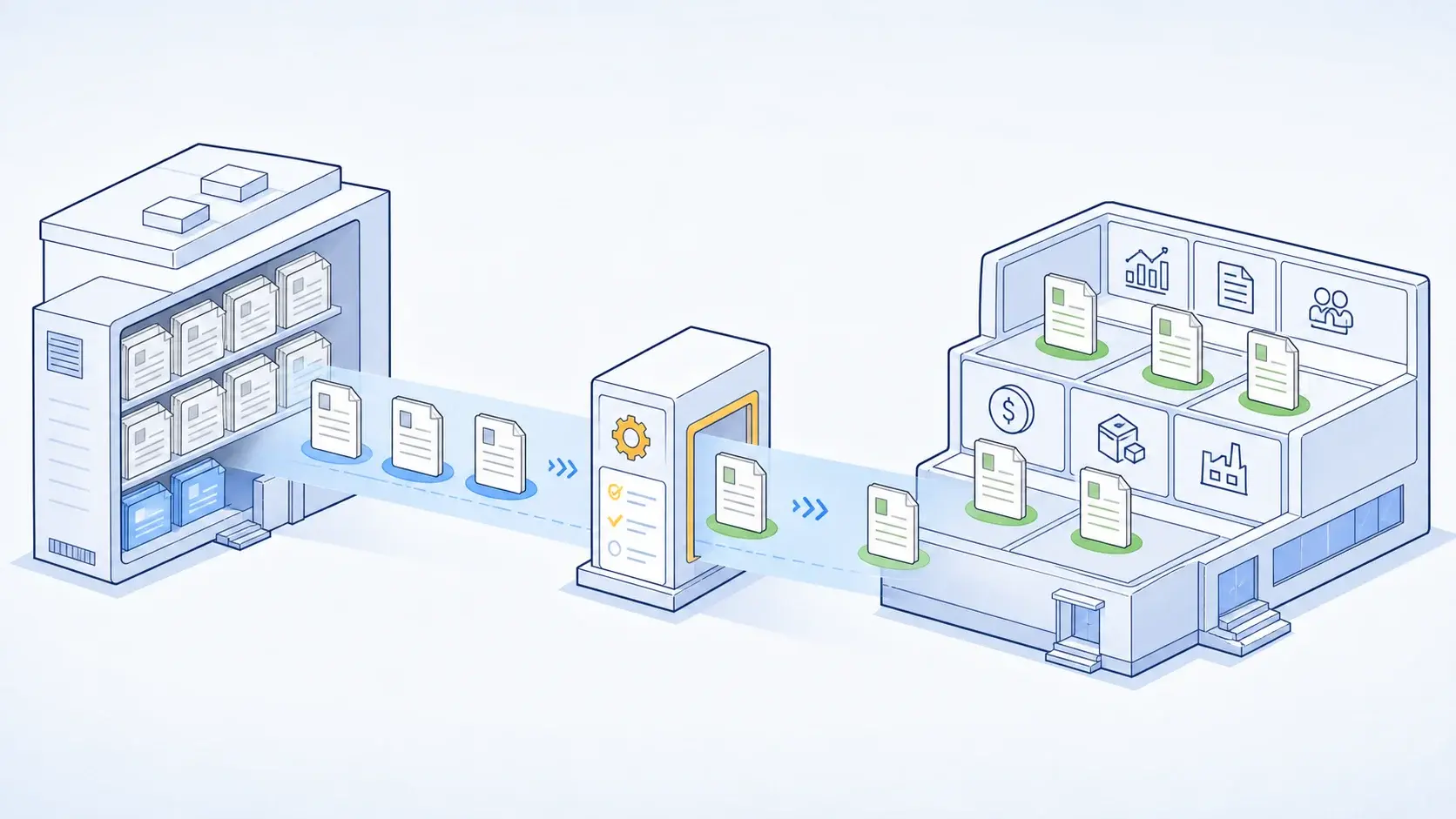
The process is therefore better understood as:

Assess → Select → Transfer → Validate

rather than:

Copy everything → Hope it fits

Before transferring content, classify it into four groups:

1. Migrate

Content that is actively required in the target ALM process.

2. Redesign

Content where the business requirement remains but the Solution Manager implementation should not be reproduced.

3. Archive

Historical information that must be retained for audit, compliance, or reference purposes but does not need to become active Cloud ALM content.

4. Retire

Obsolete documentation, projects, tests, processes, or custom objects with no continuing business value.

This rationalisation exercise can significantly reduce migration complexity.

Start With a Solution Manager Usage Assessment

The first question should not be:

“How do we migrate Solution Manager?”

It should be:

“What are we actually using Solution Manager for today?”

Build an inventory covering:

  • ITSM;
  • testing;
  • requirements;
  • change control;
  • project management;
  • process documentation;
  • solution documentation;
  • monitoring;
  • landscape management;
  • custom developments;
  • integrations;
  • reports;
  • interfaces;
  • users and roles.

Then identify the business owner of each capability.

A useful assessment matrix is:

Current capability

Business importance

Current usage

Cloud ALM fit

Focused Run fit

Action

Test management

High

High

Assess

Low

Redesign / transition

ITSM

High

High

Assess

Low

Process mapping

Monitoring

High

High

Partial

High

Evaluate Focused Run

Documentation

Medium

High

Assess

Low

Selective transfer

Historical projects

Low

High

Low

Low

Archive

Custom process

High

High

Assess

Depends

Redesign

The exact assessment should be based on the customer's environment, but the principle is universal:

Do not migrate functionality simply because it exists.

SAP Cloud ALM Readiness Check

SAP provides a Readiness Check for SAP Cloud ALM to help customers understand how their existing Solution Manager usage maps to Cloud ALM capabilities.

This should be one of the earliest activities in the programme.

The assessment should answer:

  • Which Solution Manager functions are actually used?
  • Which have Cloud ALM capabilities?
  • Which require process redesign?
  • Which requirements are better addressed by Focused Run?
  • Which data should be transferred?
  • Which integrations need to be rebuilt?
  • Which legacy processes can be retired?

A Cloud ALM demonstration can show what the product does.

A readiness assessment answers the more important question:

“Can Cloud ALM support the way our organisation needs to operate SAP?”

A Practical 2026–2027 Transition Roadmap

With mainstream maintenance ending on 31 December 2027, organisations should avoid leaving the transition until the final months.

Phase 1 - Discover

Target: 2026

Inventory Solution Manager usage, users, integrations, customisations, data, monitoring, and operational dependencies.

Phase 2 - Assess

Run the SAP Cloud ALM Readiness Check and compare current capabilities with the target operating model.

Phase 3 - Decide

Define whether the target architecture is:

Cloud ALM

or:

Cloud ALM + Focused Run

and identify any temporary Solution Manager dependencies.

Phase 4 - Rationalise

Classify existing content as:

Migrate → Redesign → Archive → Retire

Phase 5 - Build

Configure Cloud ALM, establish connectivity, roles, integrations, governance, and operating procedures.

Where required, establish Focused Run for advanced operational scenarios.

Phase 6 - Transition

Move selected content and processes, then validate:

  • testing;
  • change management;
  • ITSM;
  • documentation;
  • reporting;
  • integrations;
  • operational workflows.

Phase 7 - Stabilise and Retire

Run the new operating model alongside Solution Manager where necessary.

Resolve gaps, train users, document support processes, and establish clear exit criteria for Solution Manager.

The objective should be to reach the end of 2027 with a working target operating model, not merely a configured Cloud ALM tenant.

What Should Be the Exit Criteria for Solution Manager?

This is an area often missing from transition programmes.

Before retiring or materially reducing Solution Manager dependency, the organisation should be able to demonstrate that:

  • critical ALM processes operate in the target platform;
  • required historical information is accessible;
  • required integrations have been replaced or retired;
  • testing processes are operational;
  • ITSM processes are operational or deliberately moved elsewhere;
  • monitoring responsibilities are clearly assigned;
  • users have been trained;
  • support teams understand the new operating model;
  • audit and compliance requirements are satisfied;
  • no critical business process depends on an undocumented Solution Manager function.

This changes the project from a technology migration into a measurable business transition.

What About Organisations Migrating to S/4HANA?

The Solution Manager transition should be considered alongside the broader SAP transformation roadmap.

For an organisation moving from ECC to S/4HANA, the architecture may evolve simultaneously:

ECC

S/4HANA

and:

Solution Manager

Cloud ALM

while:

Legacy integrations

Modern integration architecture

and:

Custom developments

Clean Core-oriented extensions

Coordinating these programmes can reduce duplicated work.

However, organisations should avoid creating an unnecessarily large “big bang” transformation.

In some cases, maintaining Solution Manager temporarily while the S/4HANA programme progresses can be the lower-risk approach, provided there is a defined exit strategy.

For the wider ERP side of the transformation, see SAP S/4HANA Migration Services.

What UK Businesses Should Consider

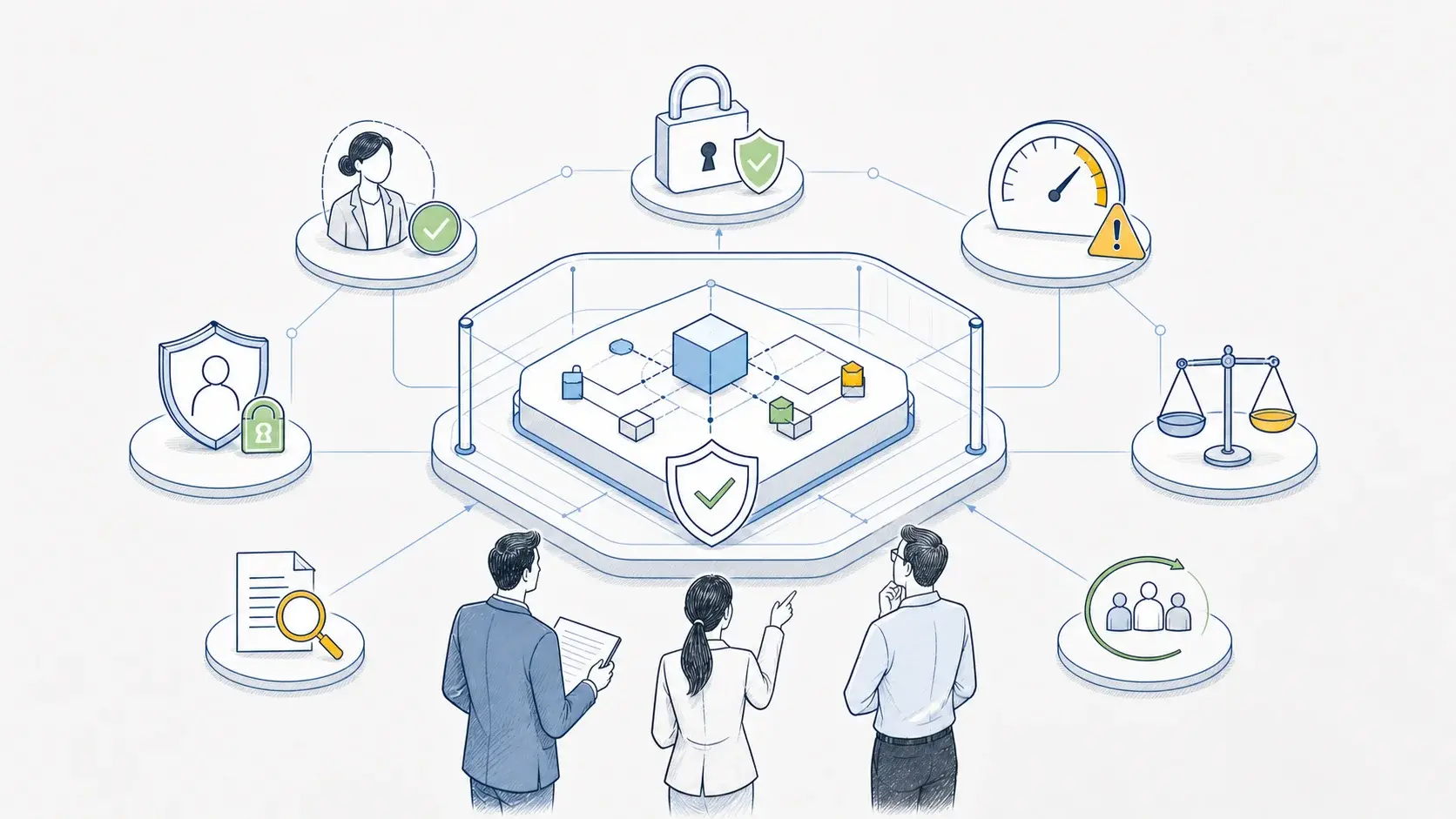
For UK enterprises, the transition should also be considered in the context of governance, audit, security, and operational resilience.

Particular attention may be required where SAP supports:

  • regulated business processes;
  • financial operations;
  • supply chain execution;
  • critical infrastructure;
  • large-scale customer service;
  • highly integrated hybrid environments.

The relevant question is not simply whether Cloud ALM technically supports a function.

It is whether the new operating model provides the required level of control, traceability, segregation of duties, monitoring, and auditability.

These requirements should be established before migration rather than discovered during testing.

Common Transition Mistakes

Treating 2027 as a Shutdown Date

Solution Manager does not simply stop operating on 1 January 2028. The significant change is the maintenance and support position.

Assuming Feature Parity

Cloud ALM should not be treated as a transaction-by-transaction replacement.

Migrating Everything

Historical and obsolete content can often be archived or retired.

Ignoring Integrations

Custom interfaces and external dependencies can be more difficult to replace than the core ALM functionality.

Leaving Custom Processes Until the End

The more heavily Solution Manager has been customised, the earlier those processes should be assessed.

Ignoring Focused Run

Organisations with substantial on-premise estates may require advanced operational capabilities beyond their Cloud ALM target.

Waiting Until 2027

The final year should be for execution and stabilisation, not discovery.

Treating the Programme as an IT Upgrade

The transition affects SAP delivery, testing, operations, service management, governance, and business stakeholders.

A Decision Framework for SAP Leaders

A useful executive-level decision tree is:

SAP Solution Manager 7

This is much more useful than asking:

“Is Cloud ALM the replacement for Solution Manager?”

The strategic question is:

“What ALM capabilities does our organisation need, and which SAP platform should provide each one?”

LeverX Recommendation: Treat the Transition as an Operating-Model Programme

For organisations still running SAP Solution Manager 7.2, LeverX recommends beginning with a Solution Manager usage and dependency assessment.

The assessment should map:

Solution Manager capabilities

  • Business processes

Users and ownership

Data and integrations

Target ALM capabilities

Cloud ALM / Focused Run / Other platforms

This allows the organisation to distinguish between functionality that should be migrated, redesigned, archived, or retired.

It also helps avoid one of the most common transition mistakes: reproducing legacy processes in the new platform without questioning whether those processes are still necessary.

LeverX Recommendation: Align ALM With the Wider SAP Roadmap

LeverX Recommendation: Align ALM With the Wider SAP Roadmap

For organisations undertaking an ECC-to-S/4HANA transformation, Cloud ALM adoption should be considered as part of the broader SAP roadmap.

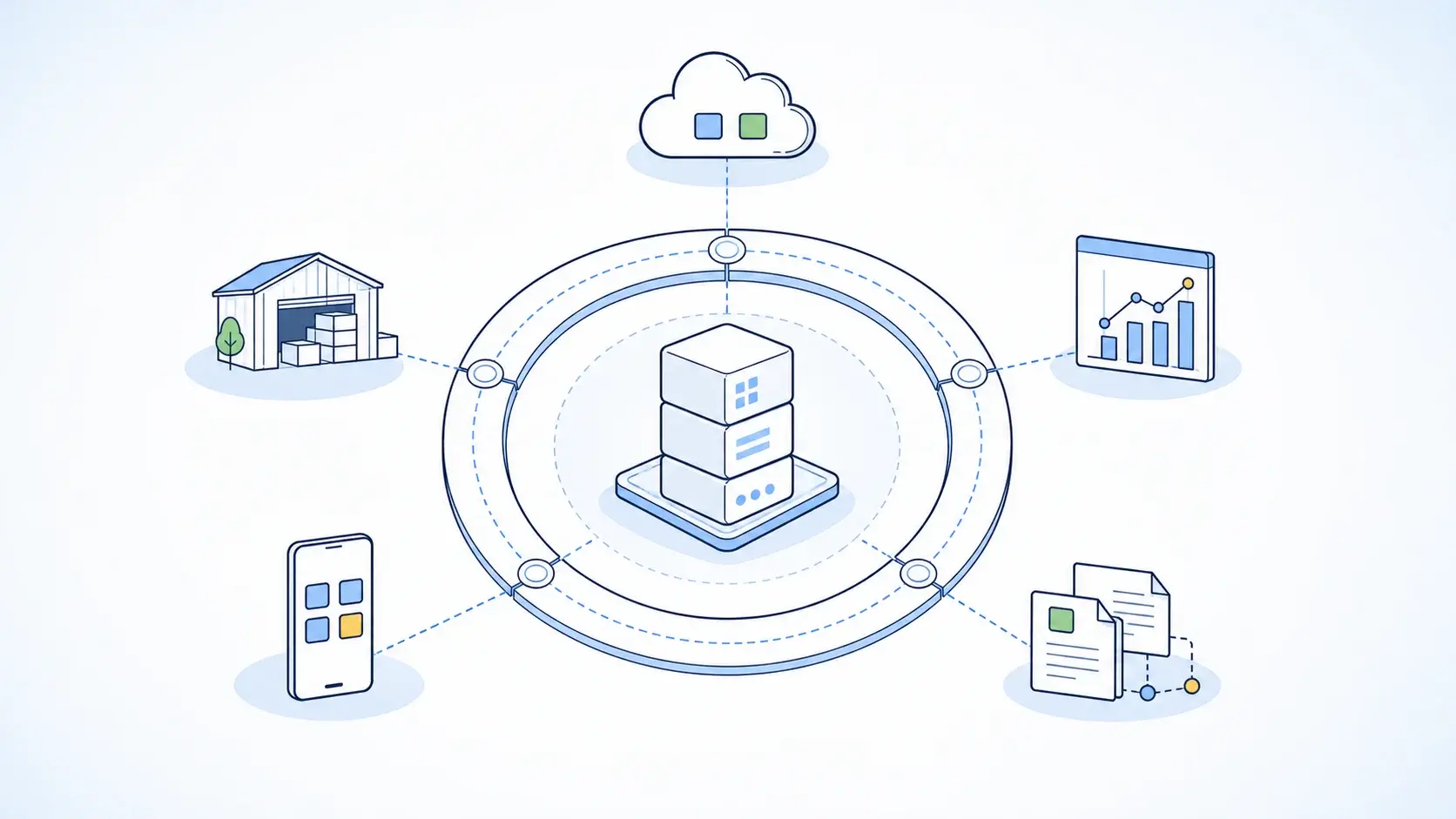
A coordinated strategy can connect:

S/4HANA transformation

ALM modernisation

Integration modernisation

Clean Core

Operational governance

The result is not simply a newer ALM product.

It is a more coherent SAP operating model.

For organisations that need continued support while transitioning from legacy SAP environments, SAP Managed Services can also form part of the operating model.

What Should UK Businesses Do Now?

For organisations still running Solution Manager 7.2, the immediate priority should be assessment rather than migration.

A sensible sequence is:

2026

Assess Solution Manager usage, dependencies, and target requirements.

2026

Run the SAP Cloud ALM Readiness Check and define the target architecture.

2026–2027

Rationalise data, redesign processes, establish integrations, and configure the target platform.

2027

Transition critical processes, train users, and validate the new operating model.

Before 31 December 2027

Complete the transition for the capabilities that should move away from Solution Manager.

2028 onward

Operate Cloud ALM as the strategic ALM platform and use Focused Run where advanced operational requirements justify it.

The exact timing will vary by organisation. What should not vary is the principle:

Do not wait until Solution Manager's maintenance deadline to discover what your organisation depends on.

Frequently Asked Questions

When does SAP Solution Manager 7.2 mainstream maintenance end?

Mainstream maintenance ends on 31 December 2027. SAP recommends that customers transition to SAP Cloud ALM before the end of 2027.

Does Solution Manager stop working after 2027?

No. The end of mainstream maintenance does not mean that the software automatically stops functioning. However, the post-mainstream maintenance model is different and should not be treated as equivalent to mainstream support.

Can Solution Manager be used until 2030?

Selected Solution Manager 7.2 functionality can receive extended maintenance through 2030 for customers selecting the relevant SAP Business Suite 7 extended-maintenance option. The scope is limited and should be checked against the organisation's actual Solution Manager usage.

Is Cloud ALM a complete replacement for Solution Manager?

No. SAP explicitly states that there is no complete functional parity between Cloud ALM, Solution Manager, and Focused Run. Organisations should therefore assess their requirements rather than perform a one-to-one product replacement.

Is Focused Run a replacement for Cloud ALM?

Not necessarily. SAP positions the products for different scenarios, and Focused Run can complement Cloud ALM where advanced monitoring and operations capabilities are required.

Can Solution Manager data be migrated to Cloud ALM?

Selected supported content can be transferred using SAP's Selective Data Transfer capabilities. Organisations should determine what genuinely needs to be migrated rather than attempting to copy the entire historical environment.

Should we migrate all Solution Manager data?

No. A better approach is to classify content as migrate, redesign, archive, or retire.

When should we start the transition?

Organisations with significant Solution Manager dependencies should start with assessment and target-architecture work well before the end of 2027. The more customised the environment, the earlier this should begin.

Conclusion

Conclusion

The end of mainstream maintenance for SAP Solution Manager 7.2 on 31 December 2027 should be treated as more than a support milestone.

It is an opportunity to reconsider how the organisation manages SAP application lifecycle management.

For many organisations, the target architecture will increasingly centre on:

SAP Cloud ALM

with:

SAP Focused Run where advanced operational capabilities are required.

But the transition should not be treated as a simple software replacement.

The right approach is to:

Assess → Rationalise → Decide → Redesign → Transition → Stabilise → Retire

Organisations should first understand how Solution Manager is actually being used, identify which capabilities remain business-critical, determine which data needs to be retained, and then design the appropriate target operating model.

For UK businesses also undertaking an ECC-to-S/4HANA transformation, this is an opportunity to align ALM modernisation with the wider SAP roadmap.

The objective is not merely to meet the 2027 deadline.

It is to create an ALM environment that is simpler, more cloud-oriented, easier to operate, and aligned with the organisation's long-term SAP strategy.


Disclaimer: This article is for general informational purposes only. SAP product capabilities, maintenance policies, and transition options may change over time. Organisations should validate the appropriate SAP ALM strategy against their current landscape, requirements, and the latest SAP documentation.

https://leverx.com/en-gb/newsroom/sap-solution-manager-7-2-end-of-support-2027
Don't miss out on valuable insights and trends from the tech world
Subscribe to our newsletter.

Body-1